01 / STREAM BIM TO RUNTIME
Stream BIM to runtime
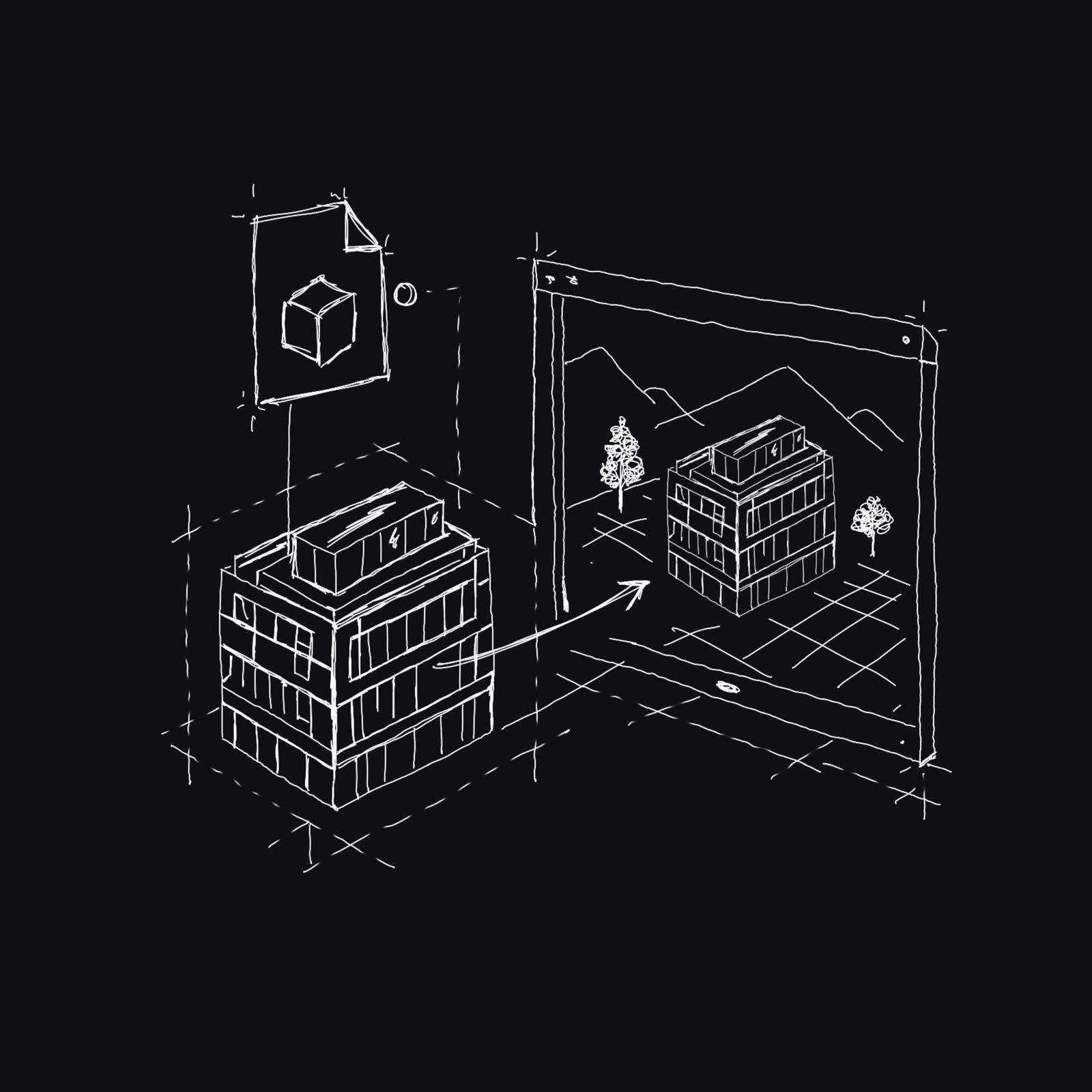
Load your model directly into an Unreal experience with fast startup, strong performance, and no cloud dependency. Import the file into your scene and keep moving.

FRAGMENTSUNREAL::
THE PRODUCT STATEMENT
FragmentsUnreal keeps the usable structure behind the model, so Unreal applications can inspect, understand, and work with the built world.
CAPABILITY TAKEOVER / SKELETON
01 / STREAM BIM TO RUNTIME
Load your model directly into an Unreal experience with fast startup, strong performance, and no cloud dependency. Import the file into your scene and keep moving.
02 / WORK INSIDE THE EDITOR
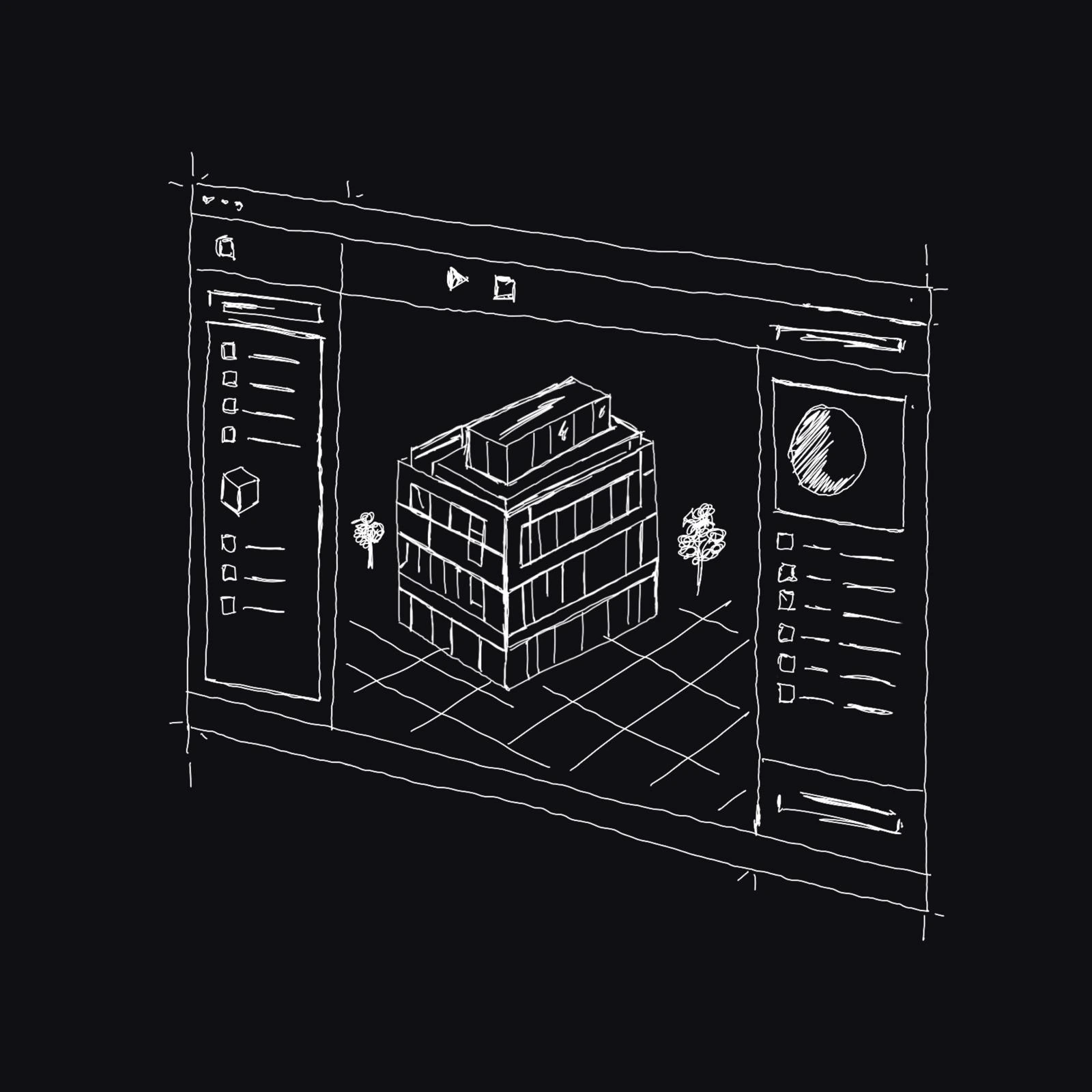
Stream the model into the Unreal Editor for a controlled, deliberate workflow - ready for composition, lighting, and level authoring.
03 / MAKE THE MODEL YOURS
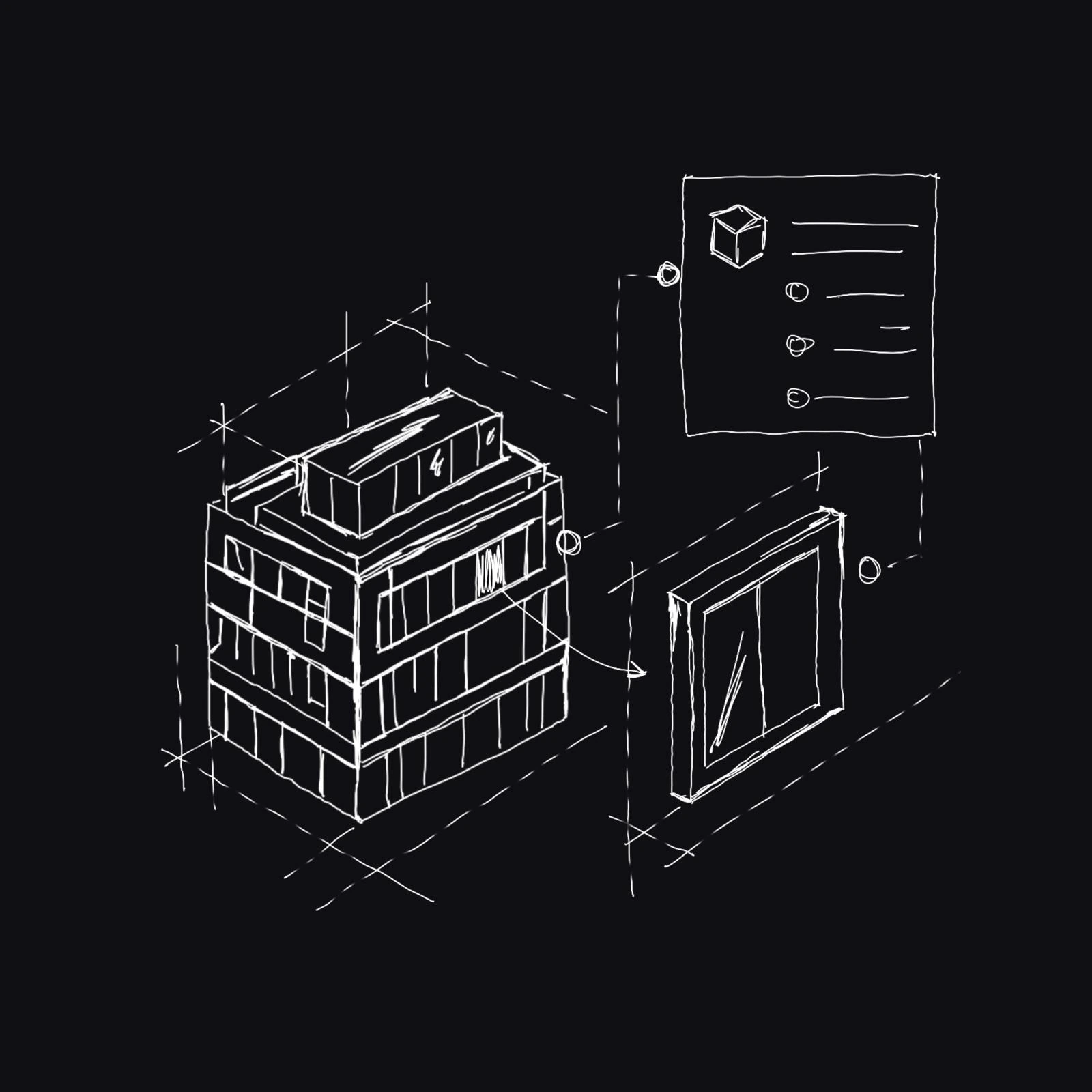
Override materials, prepare the context around the model, and build a ready-to-ship level - or re-import at runtime with those same decisions intact.
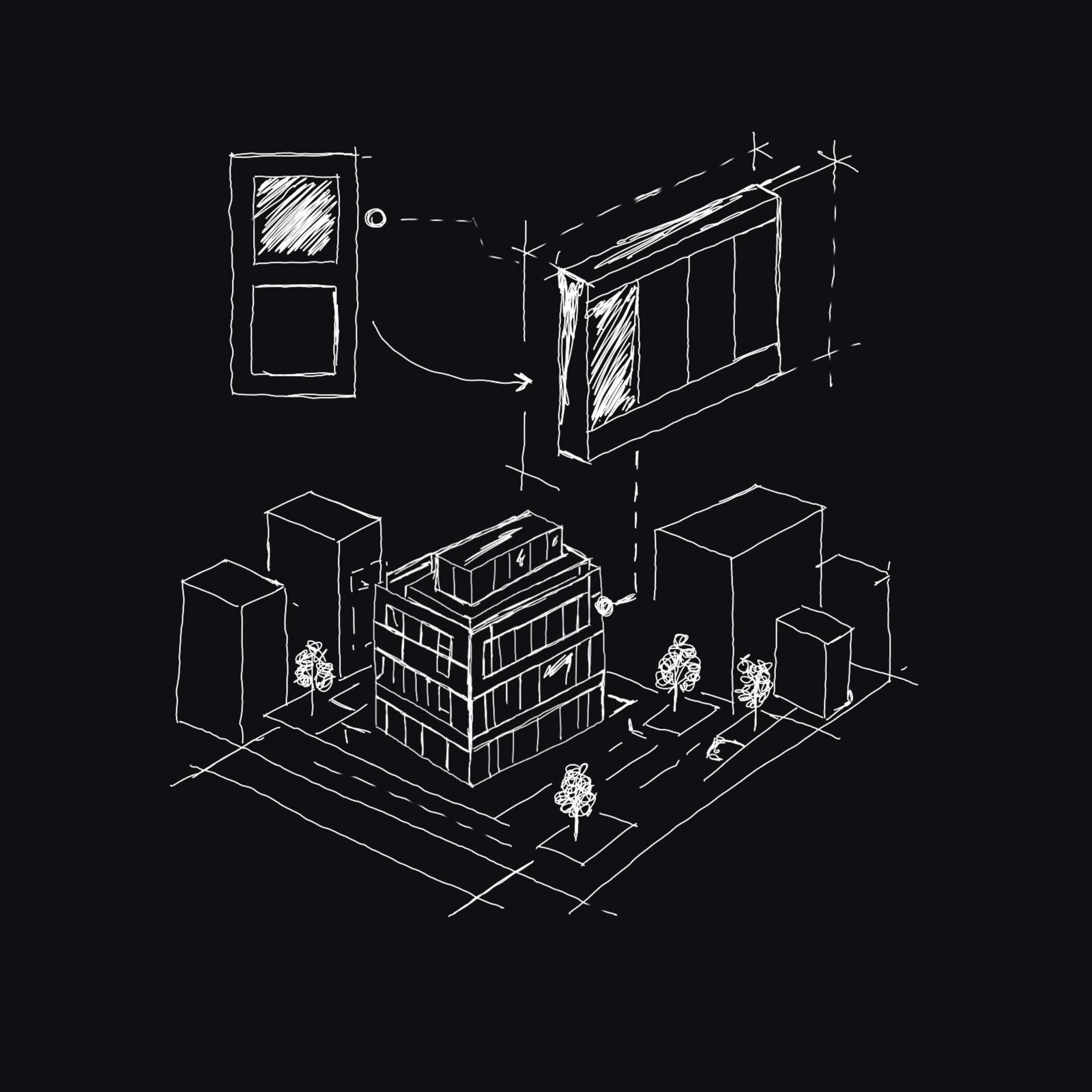
04 / PLACE IT EXACTLY WHERE IT BELONGS
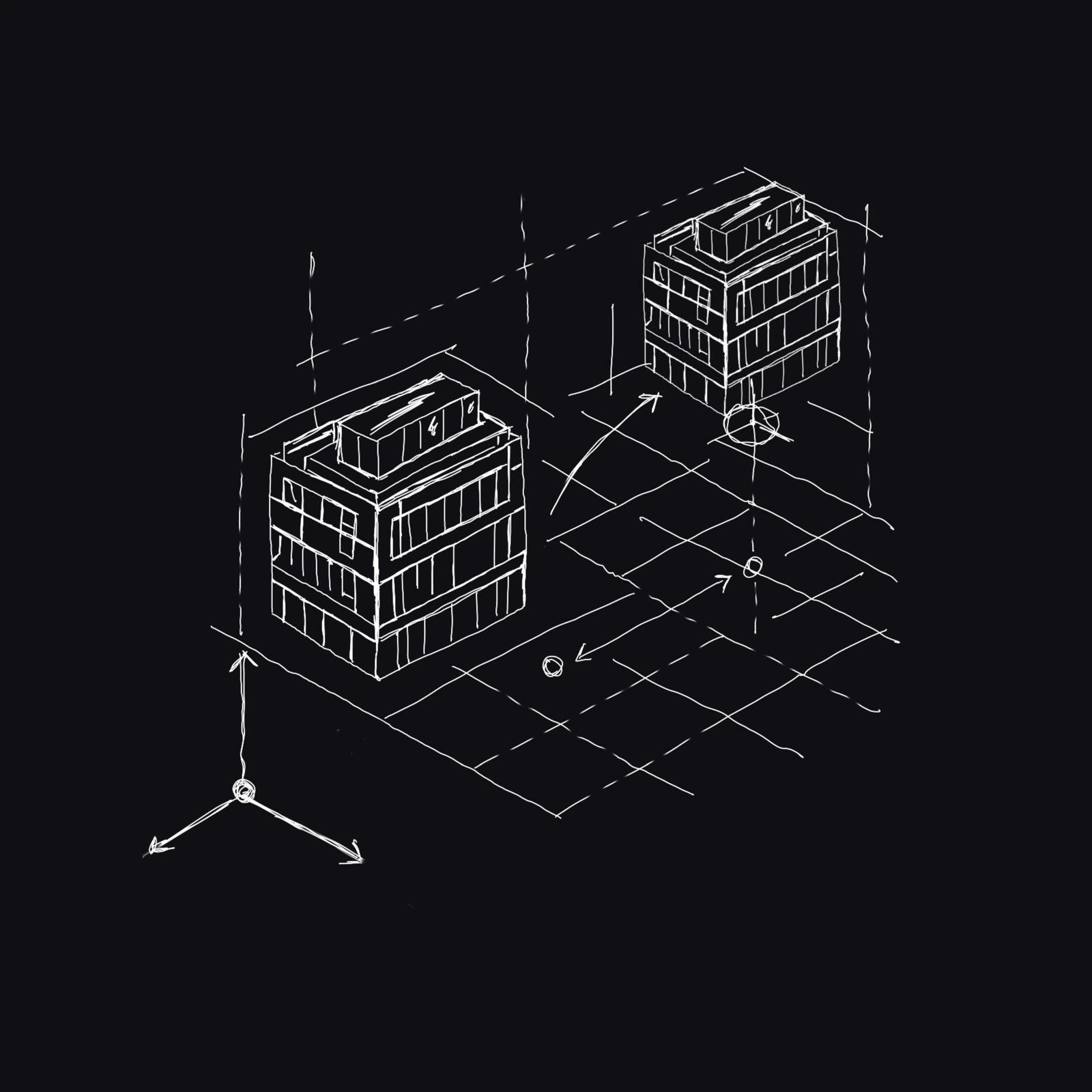
Choose the BIM project coordinates or the world origin, then offset the model into the exact position your experience needs.
05 / KEEP THE INFORMATION
The geometry is there. The data is still there. Now use both to build the application you actually want.
CORE CAPABILITIES
Reusable primitives for applications that need both visual fidelity and data fidelity.
Load your model directly into an Unreal experience with fast startup, strong performance, and no cloud dependency. Import the file into your scene and keep moving.
Runtime · Fast loading · LocalStream the model into the Unreal Editor for a controlled, deliberate workflow - ready for composition, lighting, and level authoring.
Editor · Controlled workflowOverride materials, prepare the context around the model, and build a ready-to-ship level - or re-import at runtime with those same decisions intact.
Overrides · Context · Runtime-readyChoose the BIM project coordinates or the world origin, then offset the model into the exact position your experience needs.
Coordinates · Origin · OffsetThe geometry is there. The data is still there. Now use both to build the application you actually want.
Geometry · Metadata · ControlUSE CASES
01 / APPLICATION
Live, structured context for built environments and operational applications.
Explore the direction ↗02 / APPLICATION
Make design intent inspectable, not just visible.
Explore the direction ↗03 / APPLICATION
Navigate systems that extend beyond a single building or asset.
Explore the direction ↗04 / APPLICATION
Use Unreal as a controlled environment for new spatial workflows.
Explore the direction ↗OPEN SOURCE / APACHE-2.0
AECO workflows should not be limited by closed formats, fragile handoffs, or the distance between a model and the people who use it.
FragmentsUnreal is built in the open to bring BIM into Unreal with the freedom to inspect, adapt, and build on top of the data. Lower the barriers. Raise the ambition. Change what the industry can make.
ARCHITECTURE / PIPELINE
Keep the pipeline legible. Each layer can remain inspectable as the application grows.
DOCUMENTATION
Explore the real importer, runtime, editor, and Fragment surfaces that make up the FragmentsUnreal plugin.
CLASS / RUNTIME
Actor representation of a Fragment model element and its renderable HISM data.
DEVELOPER / API
Call the importer subsystem directly: load the Fragment asynchronously, then process the loaded model when it is ready.
// FragmentsImporterSubsystem / Blueprint-equivalent flow
UFragmentsImporterSubsystem* Importer =
    GetGameInstance()->GetSubsystem<UFragmentsImporterSubsystem>();

FFragmentLoadOptions Options;
Options.OriginMode = EFragmentOriginMode::UseBaseCoordinates;

// Start the async load; the completion callback supplies ModelGuid and success.
Importer->LoadFragmentAsync(FragPath, Options, OnLoadComplete);

// Inside OnLoadComplete: process only when the load succeeded.
if (bSuccess)
{
    Importer->ProcessLoadedFragment(
        ModelGuid, OwnerActor, false, OnProcessComplete, nullptr);
}
else
{
    UE_LOG(LogTemp, Error, TEXT("Fragment load failed: %s"), *ErrorMessage);
}